Free
Video spotlight
Feature a supported video.
For Creators
A creator link-in-bio page is a place to share your work, channels and collaboration details from one URL. Bring your best work, latest links and partnership details together on one page you can share in every bio, pitch and email.
Start with a simple bio. Paid blocks require the matching plan.

Built around your day
Lead with your latest video or selected work. Add a short introduction and a clear action so visitors know whether to watch, subscribe or contact you.
Use focused sections or persona pages for different audiences. A fan looking for a new release and a brand reviewing your work should each find a useful next step.
Pro adds the kit workspace and collaboration-request block. Present selected work and the audience figures you choose to supply, with source and date context. These are not automatically verified social-network metrics.
Free
Feature a supported video.
Free
Show up to six slots in one gallery on Free.
Starter
Organize selected work.
Starter
Give followers a subscription destination.
Pro
Collect partnership inquiries.
Pro
Build and share creator, media or brand kits.
Share it everywhere
Put the page in your social bio, link it from your email signature and give each campaign a separate managed link when you want to compare click activity.
01 · Create
Use the guided flow or browse examples for inspiration.
02 · Personalize
Add your photos, useful details and a clear visitor action.
03 · Share
Review desktop and mobile, choose the right plan and share your public page.
Start with a simple creator bio on Free. Add portfolio and newsletter tools on Starter. Choose Pro for collaboration requests and the kit workspace.
Compare current plansAutomatic social-feed importing is not part of this launch. Use supported video or embed blocks and links to content you choose.
No. Supplied social figures need honest source and date labels. NciteMe page activity is separate from social-network audience data.
Yes. Free is suitable for a simple bio page. Business blocks such as services, menus, hours, events and lead forms start on Starter. Check the current pricing page before publishing paid content.
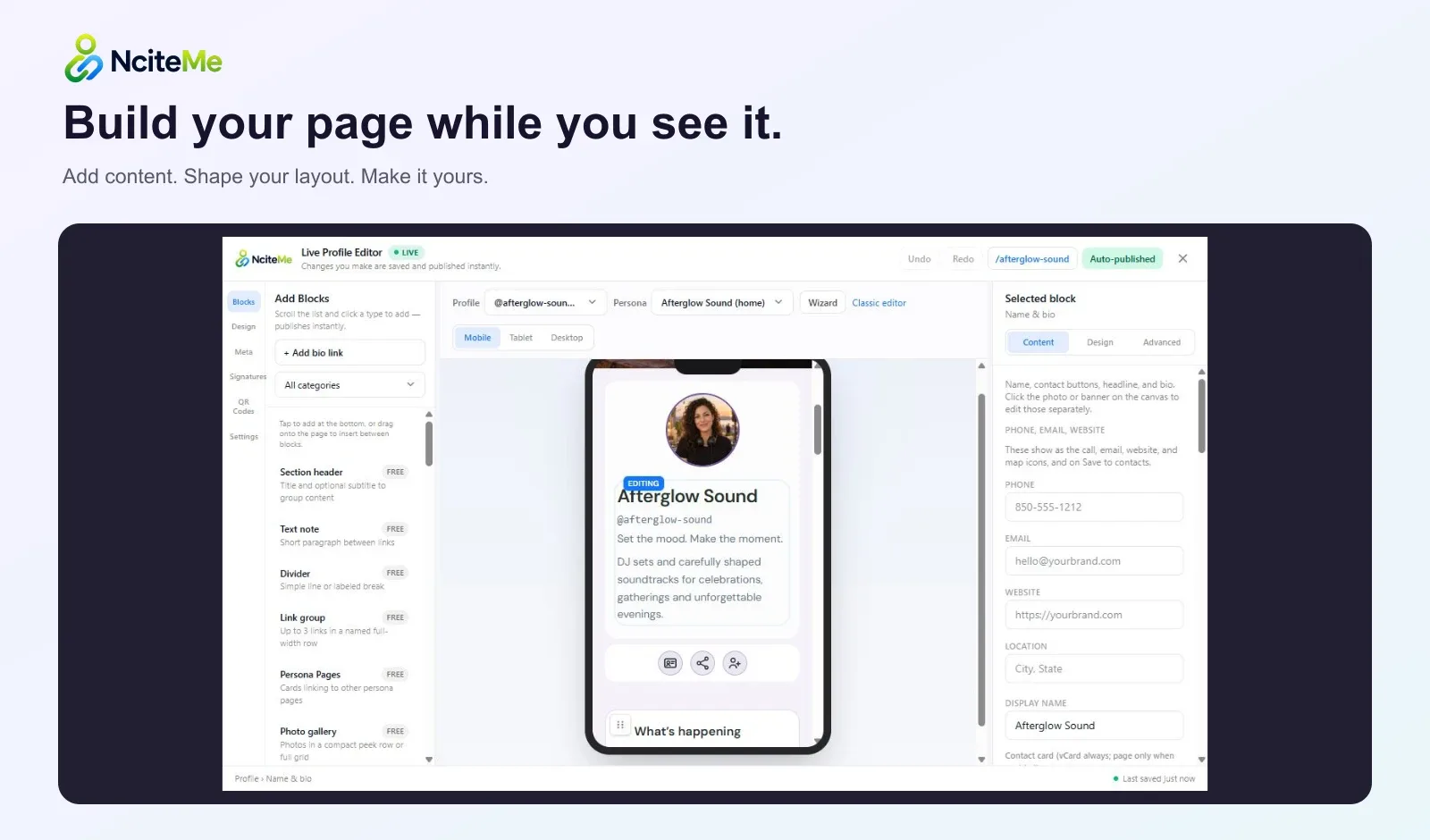
Use the live editor to change your content and appearance. Review the page on desktop and mobile, then share the same public URL as your content evolves.