Starter
Portfolio
Present selected properties or work.

For Real estate
Give buyers and sellers one place to explore selected properties, save your details and ask about the next step.
Start with a simple bio. Paid blocks require the matching plan.

Built around your day
Use permissioned photos, short descriptions and links to the authoritative listing. Keep availability and prices current. NciteMe is not an IDX or MLS feed.
Offer a showing inquiry, a contact action or a link to your established scheduling process. An inquiry should not be presented as a confirmed showing.
Add buyer or seller resources, service-area information and practical FAQs. Give visitors a reason to save your contact details and return.
Starter
Present selected properties or work.
Starter
Link to property details.
Starter
Offer a permissioned guide.
Starter
Collect showing inquiries.
Starter
Show an appropriate location.
Business
Introduce your team when needed.
Share it everywhere
Add your profile link to your email signature and a QR to authorized open-house materials. Use a separate managed link for each campaign if you want to compare clicks; a scan does not establish which visitor toured a home.
01 · Create
Use the guided flow or browse examples for inspiration.
02 · Personalize
Add your photos, useful details and a clear visitor action.
03 · Share
Review desktop and mobile, choose the right plan and share your public page.
Starter supports property highlights, guides and inquiries. Business adds the Team block. Keep licensing and brokerage disclosures appropriate to your own business.
Compare current plansNo. Use NciteMe as a focused introduction and inquiry page that links to your authoritative property information.
Do not assume an automatic listing feed. Update your selected content and keep outbound listing links current.
Yes. Free is suitable for a simple bio page. Business blocks such as services, menus, hours, events and lead forms start on Starter. Check the current pricing page before publishing paid content.
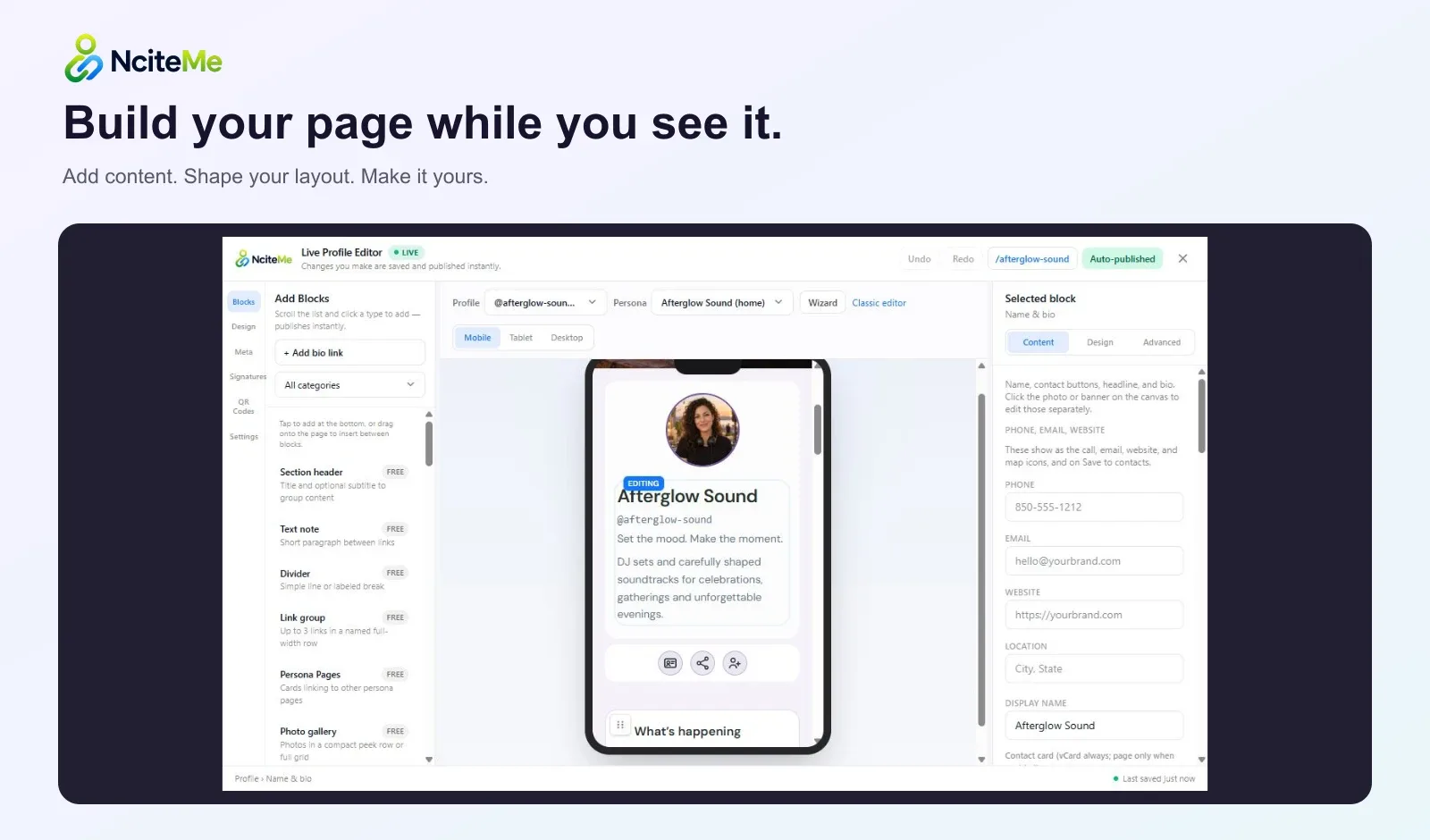
Use the live editor to change your content and appearance. Review the page on desktop and mobile, then share the same public URL as your content evolves.