Starter
Services
Explain the work you offer.
For Small business
Show what you do, what it costs and how to reach you on a page you can update yourself—ready for a social bio, an email or a QR code.
Start with a simple bio. Paid blocks require the matching plan.

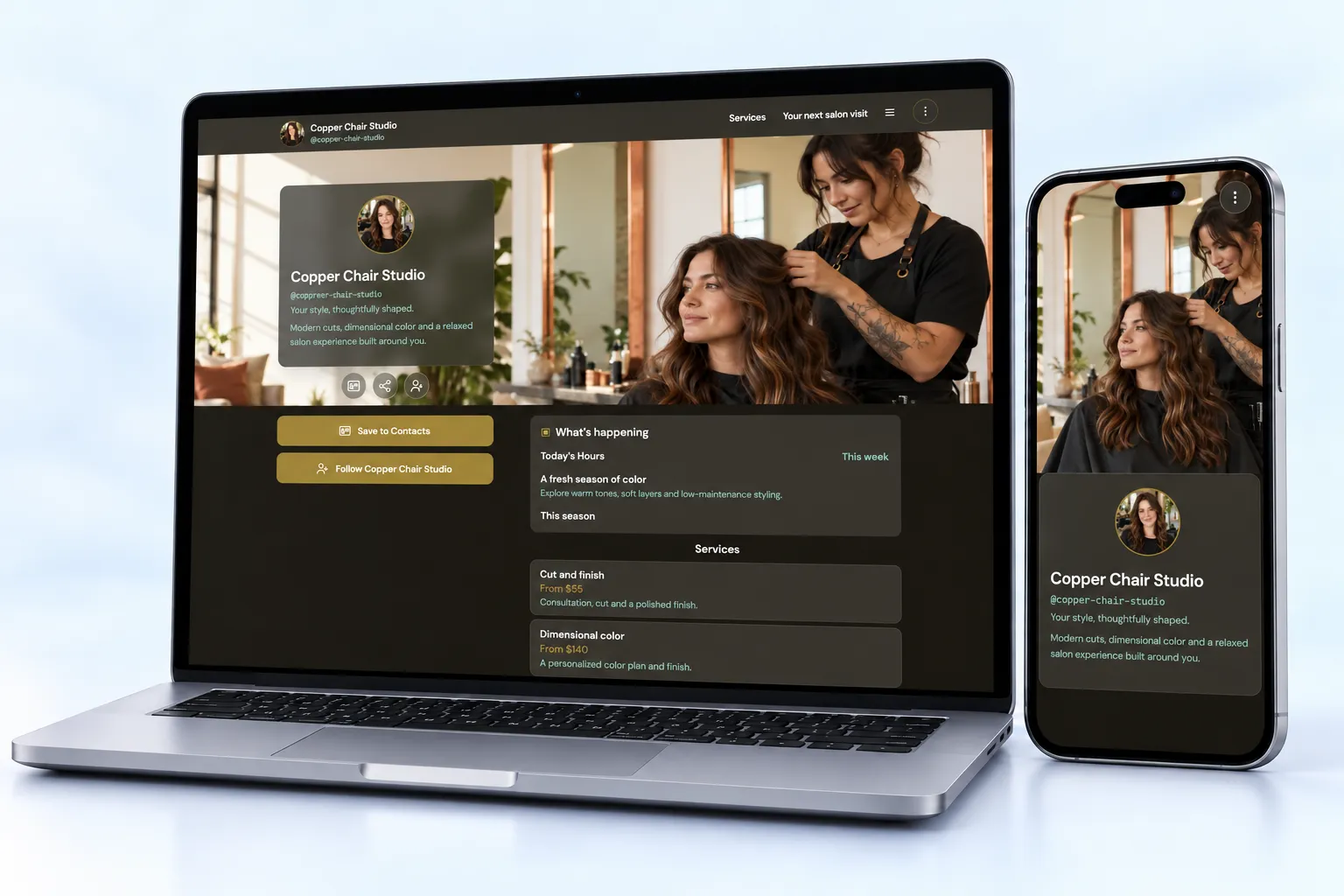
Built around your day
Bring services, package prices, photos and business hours into one clear page. Help people decide whether your business is right for them before they contact you.
Update a seasonal service or promotion from the live editor. Keep related details together so a new visitor does not need to open several destinations to understand your offer.
Add a lead form and clear contact actions. Share the page through your bio, an email signature or printed QR. Use the activity you actually collect to decide what to improve.
Starter
Explain the work you offer.
Starter
Show package choices.
Starter
Set visitor expectations.
Starter
Present selected work.
Starter
Collect an inquiry.
Business
Introduce the people behind the business.
Share it everywhere
Use one public page across your social bio, email signature and printed materials. Separate managed links can distinguish campaigns when configured; they do not identify every visitor or every offline source automatically.
01 · Create
Use the guided flow or browse examples for inspiration.
02 · Personalize
Add your photos, useful details and a clear visitor action.
03 · Share
Review desktop and mobile, choose the right plan and share your public page.
Free is a simple bio. Starter adds the core business blocks. Pro adds advanced proof and kit capabilities, while Business adds Team.
Compare current plansNo. NciteMe can be a focused introduction page beside an existing site. A simple business may use it as its main public page, while specialist commerce or operational tools remain separate.
Persona pages can serve different audiences. Profile and persona limits depend on your plan.
Yes. Free is suitable for a simple bio page. Business blocks such as services, menus, hours, events and lead forms start on Starter. Check the current pricing page before publishing paid content.
Use the live editor to change your content and appearance. Review the page on desktop and mobile, then share the same public URL as your content evolves.