Starter
Menu
Readable dishes and prices.

For Restaurants
A restaurant link-in-bio page is a destination for your menu, opening hours, location and booking links. Make the essentials easy to find from your social bio, window QR or table card—then give guests a clear route to order, reserve or get in touch.
Start with a simple bio. Paid blocks require the matching plan.
Built around your day
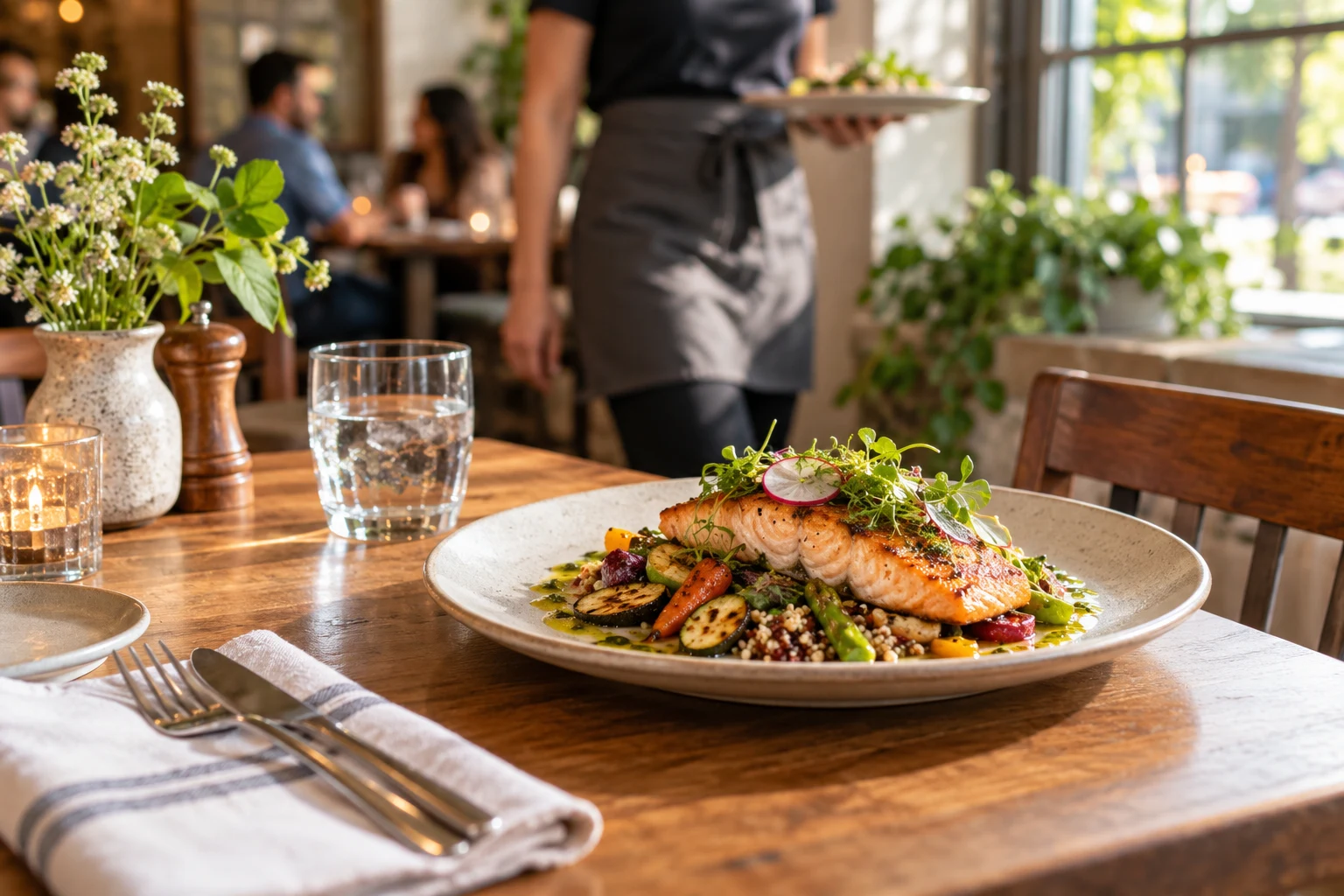
Present menu highlights and prices as readable page content. Pair a few appealing photographs with dietary information you can substantiate and keep changes current.
Use Featured today for seasonal dishes or a promotion, with ordinary business hours and location nearby. Avoid making guests search a social feed for basic details.
Send ordering and reservation actions to the provider you choose. Use a lead form for private dining questions; do not imply NciteMe manages table inventory or food delivery.
Starter
Readable dishes and prices.
Starter
Regular opening times.
Starter
Directions to your venue.
Starter
Seasonal dishes and specials.
Starter
Links to existing providers.
Starter
Private dining or event inquiries.
Share it everywhere
Put the page in your social bio and a QR on your window, menu or takeaway card. Keep the URL stable as menus change. A QR visit is a page interaction, not proof that a guest ordered.
01 · Create
Use the guided flow or browse examples for inspiration.
02 · Personalize
Add your photos, useful details and a clear visitor action.
03 · Share
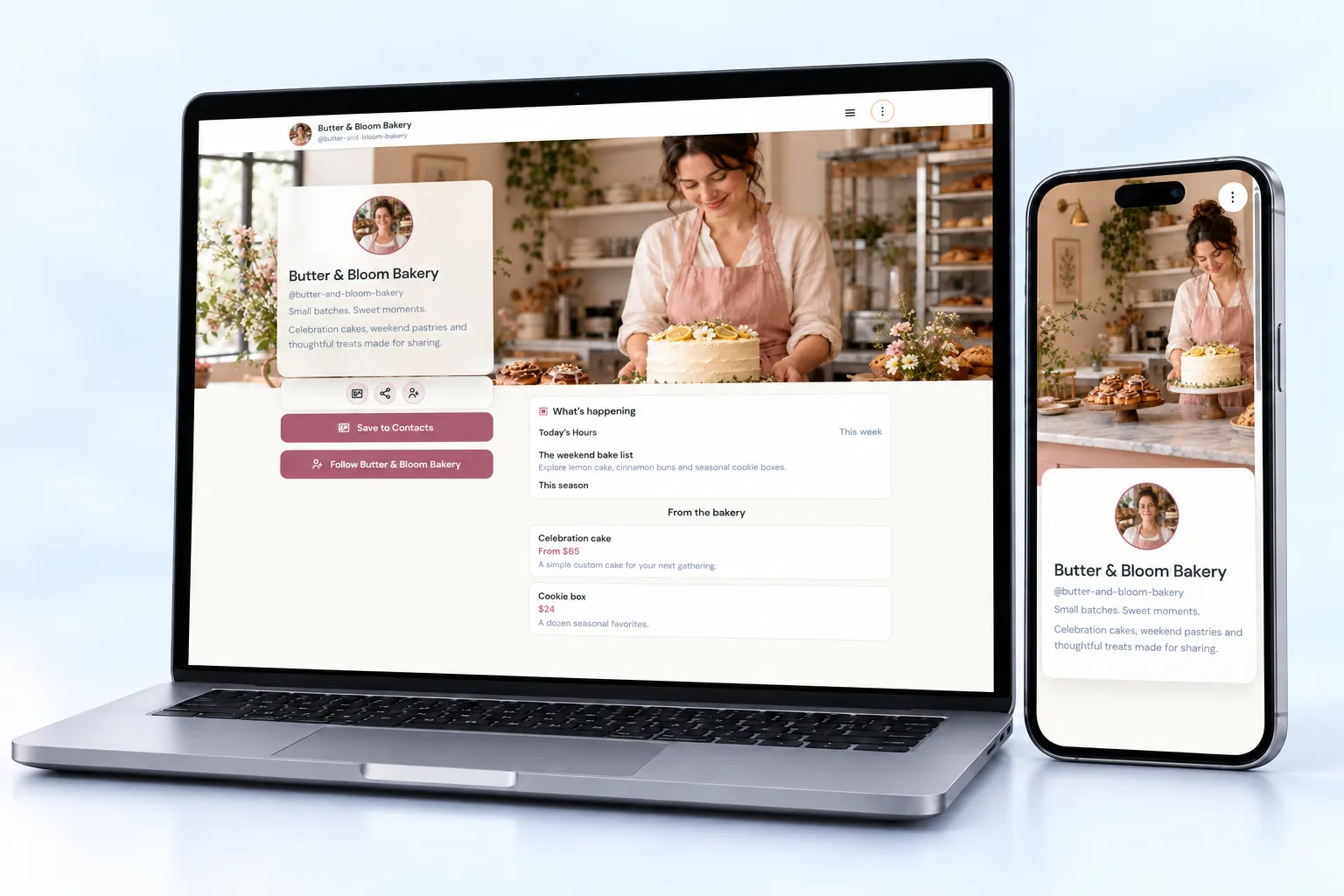
Review desktop and mobile, choose the right plan and share your public page.
Starter brings the core restaurant blocks together: menus, hours, location, specials and inquiries.
Compare current plansNo. Link to the provider that handles your orders or reservations. NciteMe provides the public page and the route to that service.
Yes. Update the saved menu content in the editor and check the public result. Keep prices and availability accurate.
Yes. Free is suitable for a simple bio page. Business blocks such as services, menus, hours, events and lead forms start on Starter. Check the current pricing page before publishing paid content.
Use the live editor to change your content and appearance. Review the page on desktop and mobile, then share the same public URL as your content evolves.