Starter
Menu
List dishes and prices.

For Food trucks
Give hungry followers a clear place to find your menu, planned stops and catering details—without searching through yesterday’s posts.
Start with a simple bio. Paid blocks require the matching plan.
Built around your day
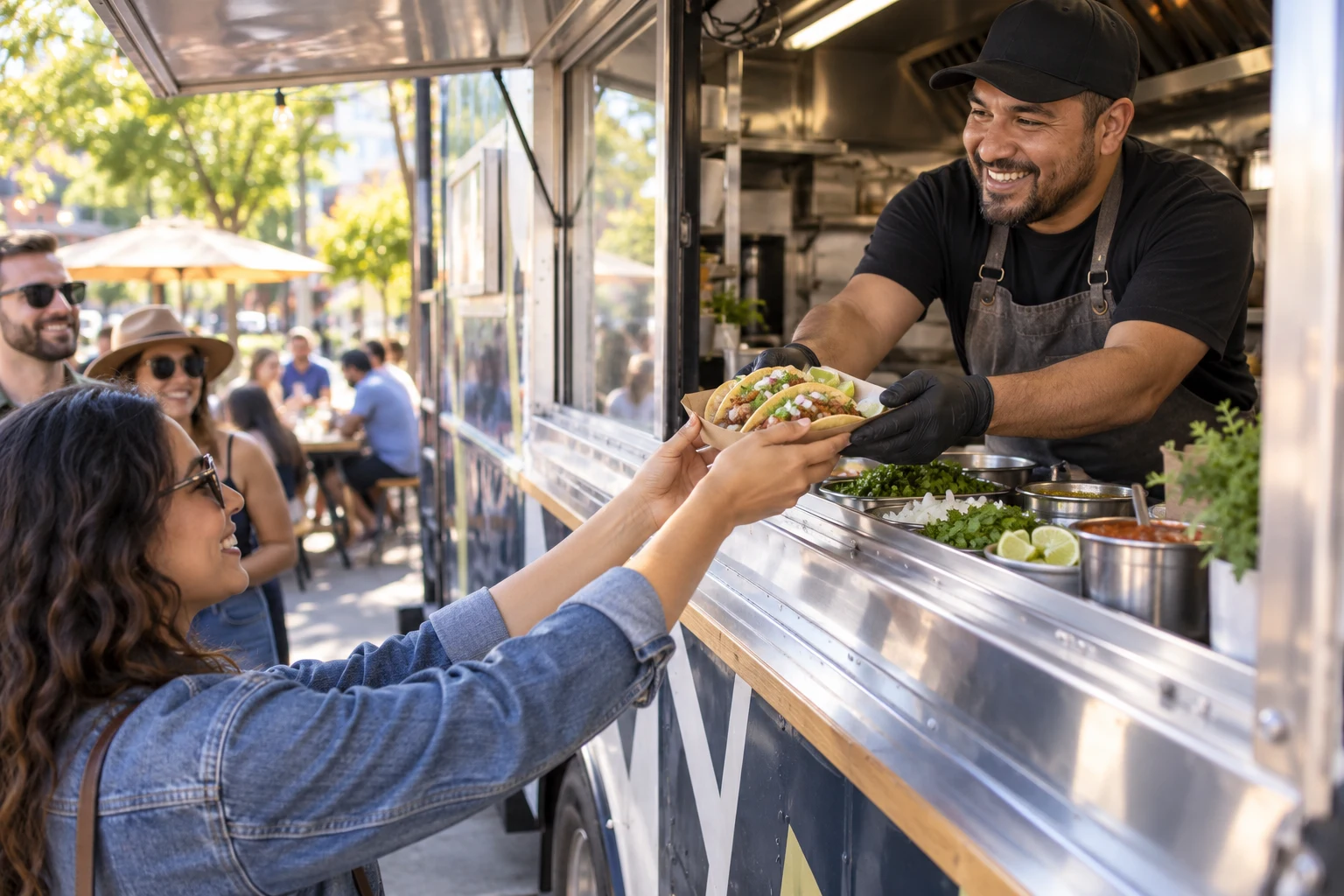
Make your next planned stop, service window and menu the first things visitors see. Link to directions and keep schedule changes clear. Location details are entered by you, not tracked live by GPS.
Use Featured today for specials and an event block for a dated appearance. Update the page when plans change while keeping the same bio link.
Add a catering inquiry form for event date, approximate guest count and the kind of gathering. Present it as an inquiry, not an automatically confirmed booking.
Starter
List dishes and prices.
Starter
Highlight a special or planned stop.
Starter
Show service hours.
Starter
Provide location and directions.
Starter
List a planned appearance.
Starter
Collect catering inquiries.
Share it everywhere
Place a QR on the truck, takeaway packaging or event handout. Link it to a stable page and update that page as your schedule changes. Use separately managed links for partner campaigns when you need separate click reporting.
01 · Create
Use the guided flow or browse examples for inspiration.
02 · Personalize
Add your photos, useful details and a clear visitor action.
03 · Share
Review desktop and mobile, choose the right plan and share your public page.
Starter is the practical starting point for a food-truck page with menus, hours, locations, events and inquiries.
Compare current plansNo. Update the location or directions link when your stop changes. Do not advertise this as live vehicle tracking.
Link to your existing ordering provider. NciteMe does not replace your point-of-sale or fulfillment system.
Yes. Free is suitable for a simple bio page. Business blocks such as services, menus, hours, events and lead forms start on Starter. Check the current pricing page before publishing paid content.
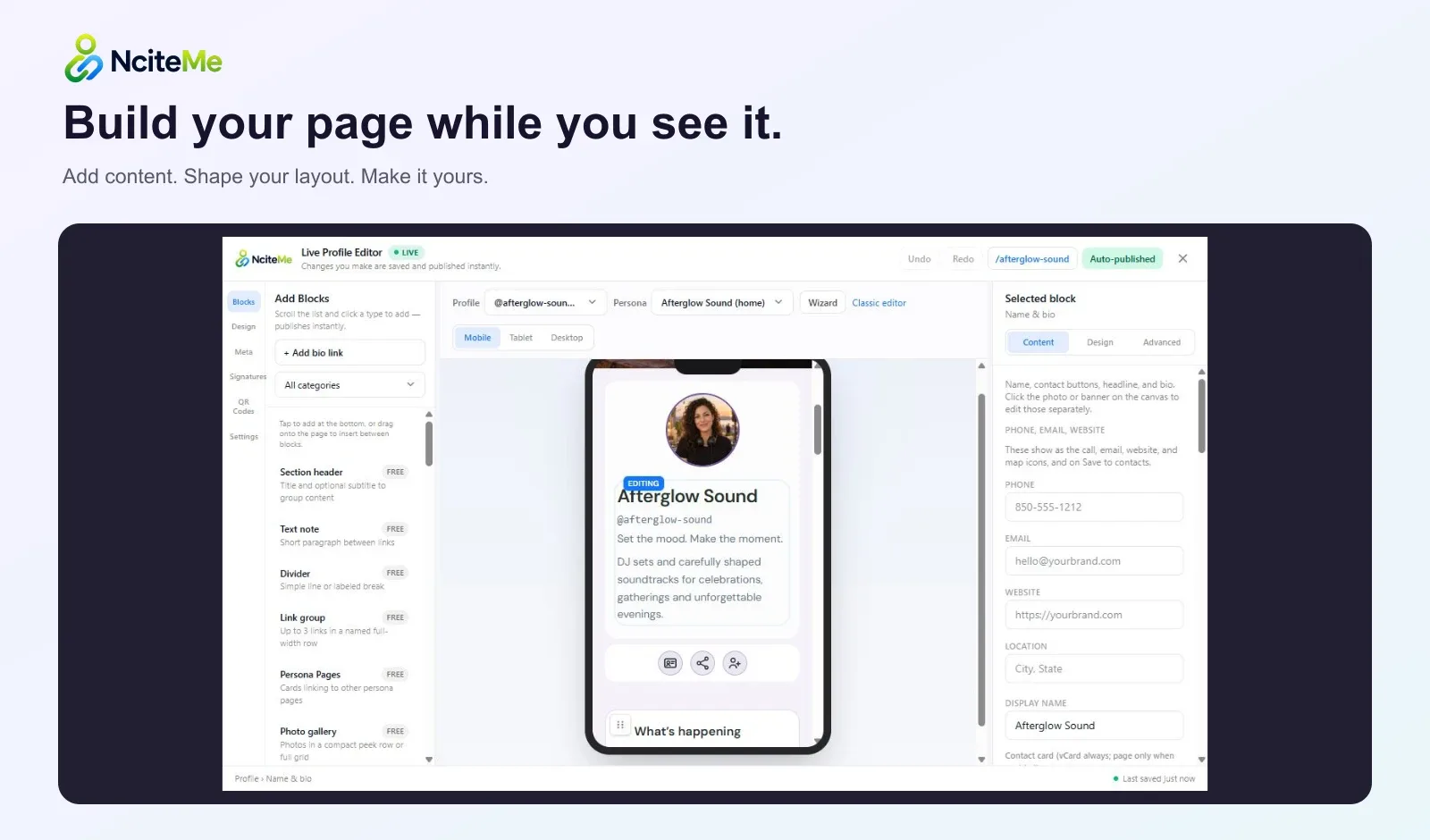
Use the live editor to change your content and appearance. Review the page on desktop and mobile, then share the same public URL as your content evolves.